Claim filing for veterinary practices
Pet insurance claim filing for veterinary practices.
Show owners an estimate of what their plan could pay before you treat. At checkout, prepare claims for any pet insurer in one place and watch each claim through to paid. It works with the practice software you already use.
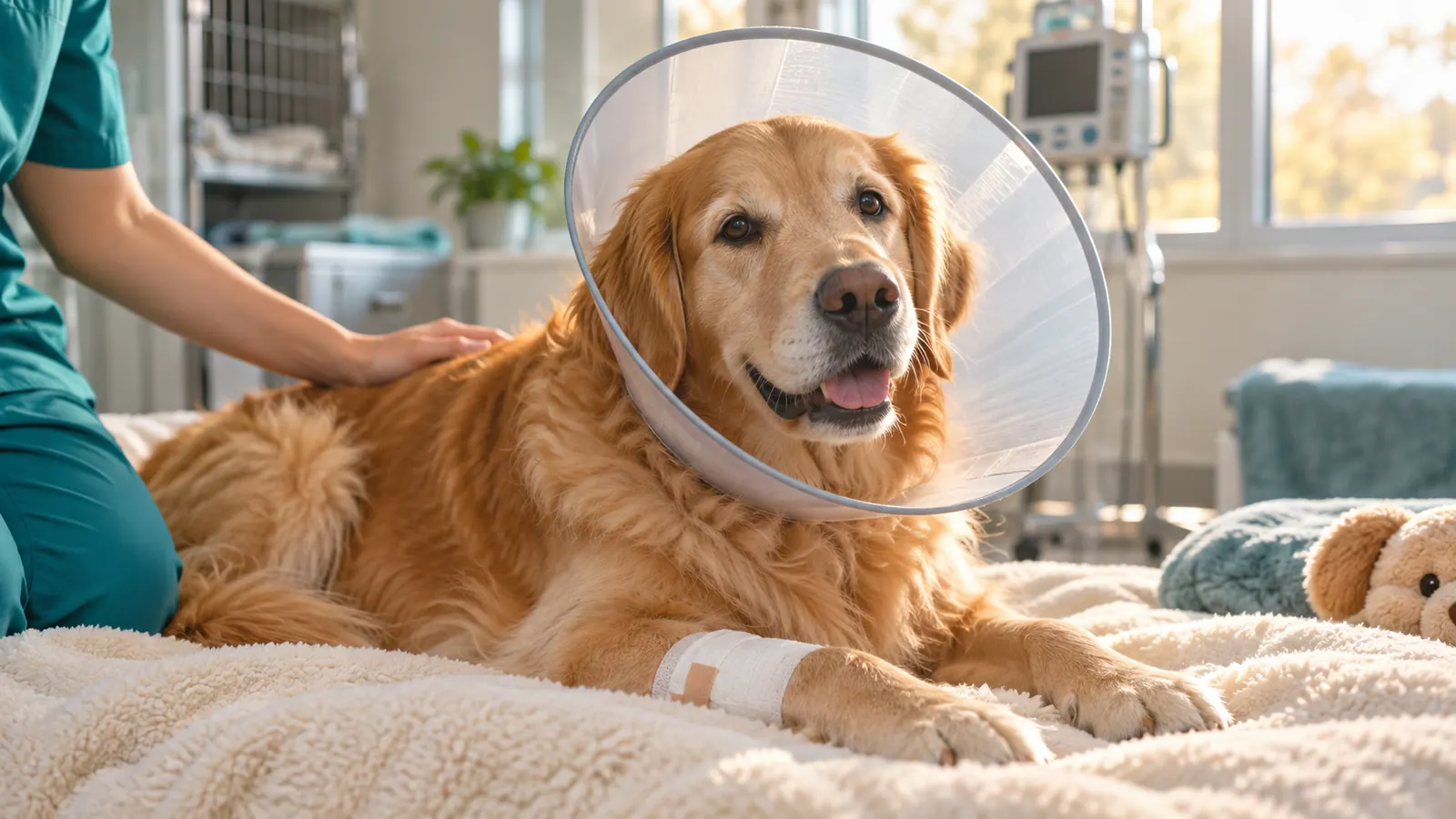
Biscuit
Canine · invoice 88213
Insurer pays
$290.08
Owner pays
$72.52
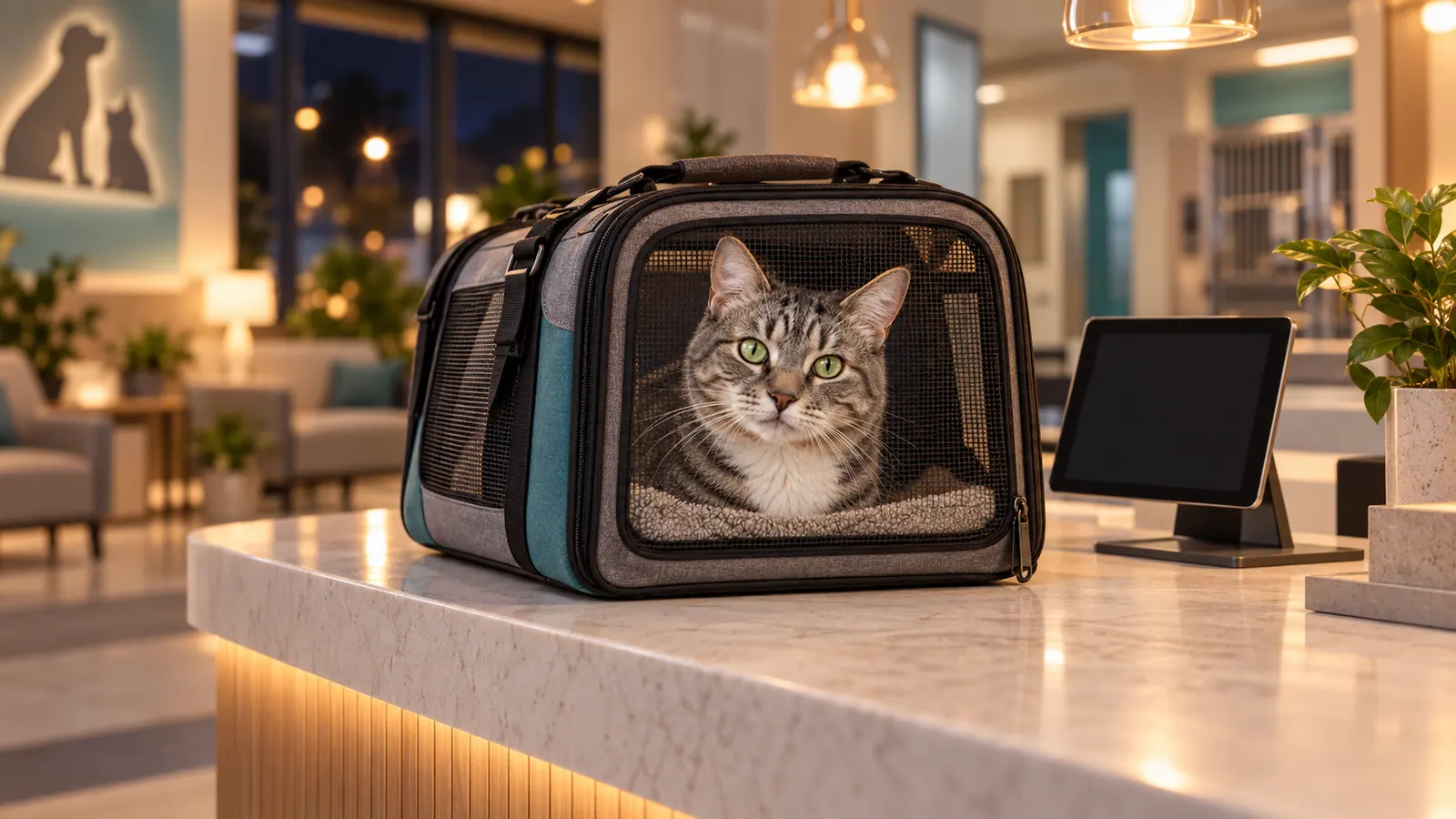
The front desk today
Insurance lands on the busiest desk in the building.
Owners decide on cost at the counter.
When an owner can't tell what their policy will cover, the treatment plan gets trimmed or put off.
Every insurer has its own form.
Your team retypes invoices into portals, attaches records by hand and chases missing signatures.
Records requests keep coming.
Weeks after the visit, insurers ask for notes and histories, and someone at the desk has to answer each one.
7.6M
insured pets in North America at year-end 2025. Source: NAPHIA
How it works
From check-in to paid, in five steps your team already takes.
- 1
Check-in
The insured flag, up front.
The desk sees the owner has pet insurance before anyone talks about cost.
- 2
Estimate
The owner's share, before treatment.
Faunium Estimate splits the plan into what the insurer is likely to pay and what the owner is likely to owe.
- 3
Checkout
Consent on the owner's phone.
The owner scans Faunium Pass at the counter, picks their insurer and signs.
- 4
Claim filed
One click files it.
The invoice and records go to the owner's insurer, complete, with nothing retyped.
- 5
Paid
Tracked to payment.
Your team and the owner see every status change until the claim is paid.
Works with the software you already use
Six ways in. No IT project.
Your team picks whichever suits the moment. Print the invoice, forward an email or hand the owner a QR code. Where your software connects, claims sync on their own from your practice software.
Print to Faunium
A virtual printer. Staff print the invoice and records the way they print anything else.
Faunium Pass
A QR code at the counter. The owner scans it, picks their insurer and signs consent on their own phone.
Clinic email address
Each practice gets its own address, such as riverbend@in.faunium.com. Forward documents and insurer requests to it.
Faunium
The practice dashboard. Estimates, claims and status for every patient, from any browser.
Faunium Sidebar
An insurance panel that opens alongside web-based practice software.
Faunium Connect
Where your practice software connects directly, invoices and records sync on their own.
Every insurer
Files claims to every U.S. pet insurer that accepts them from the practice.
Faunium files directly where the insurer accepts claims from the practice (29 insurers today). For the rest, the owner submits in one tap. Your owners keep the insurer they chose.
For every kind of practice
Built for the two-doctor clinic and the 24-hour hospital.
General practice
No IT project for a two-doctor clinic. Sick visits, dentals and surgeries all file the same way.
ER and specialty
Large invoices, overnight cases and referral records, filed from the checkout counter at any hour.
Equine and mixed animal
Barn calls and field invoices come in by print or email, from the truck or the office.
Groups and multi-location
Each location files on its own, and group leaders follow claims and status across all of them.
Insurers and software
Prepares claims for the insurers your clients carry.
And with your practice software. Every system works through Print to Faunium and email.
Insurers your clients carry
- adoroPet Insurance
- Companion ProtectPet insurance
- EmbracePet Insurance
- FetchPet Insurance
- FigoPet Insurance
- Healthy PawsPet insurance
- KanguroPet Insurance
- Lemonade PetPet insurance
- MetLifePet Insurance
- NationwidePet Insurance
- OdiePet Insurance
- Pawp Emergency ProtectionPet insurance
- PetPartnersPet insurance
- Pets BestPet insurance
- Prudent PetPet insurance
- PumpkinPet insurance
- RainwalkPet Insurance
- TrupanionPet insurance
- AAA Northeast and AAA Western and Central New YorkPet insurance
- AAApet insurance
- AAA WashingtonPet insurance
- AflacPet Insurance
- AKCPet Insurance
- Allstatepet insurance
- American FamilyPet insurance
- ASPCAPet Health Insurance
- Chewy CarePlusinsurance
- Combined Insurancepet coverage
- Costcopet insurance
- COUNTRY FinancialPet insurance
- Farmerspet insurance
- Figo employer group planPet insurance
- GEICOpet insurance
- HartvillePet Insurance
- Liberty Mutualpet insurance
- OnePack employer planPet insurance
- Petcopet insurance
- PetFirstPet insurance
- Petplan (U.S.)Pet insurance
- PetSmartpet insurance
- Progressivepet insurance
- Safecopet insurance
- Sam's Clubpet insurance
- SpotPet Insurance
- State Farmpet insurance
- The HartfordPet insurance
- United Kennel Club programPet insurance
- Unumpet insurance
- Wagmopet insurance
- Walmartpet insurance
- WishbonePet Insurance
Works alongside your practice software
- Advantage+Practice software
- AnimanaPractice software
- AVImarkPractice software
- ClienTraxPractice software
- CornerstonePractice software
- Covetrus PulsePractice software
- DaySmart VetPractice software
- DigitailPractice software
- DVM ManagerPractice software
- DVMAXPractice software
- eVetPracticePractice software
- ezyVetPractice software
- Hippo ManagerPractice software
- HVMSPractice software
- ImproMedPractice software
- InstinctPractice software
- IntraVetPractice software
- LupaPractice software
- NaVetorPractice software
- NectarVetPractice software
- NeoPractice software
- Onward VetPractice software
- OpenVPMSPractice software
- Provet CloudPractice software
- RhapsodyPractice software
- ShepherdPractice software
- StringSoftPractice software
- V-TechPractice software
- VetBluePractice software
- Vetcove PIMSPractice software
- VETportPractice software
- VetspirePractice software
- VetViewPractice software
- VIAPractice software
Logos and names are trademarks of their respective owners. Display does not imply partnership or endorsement.
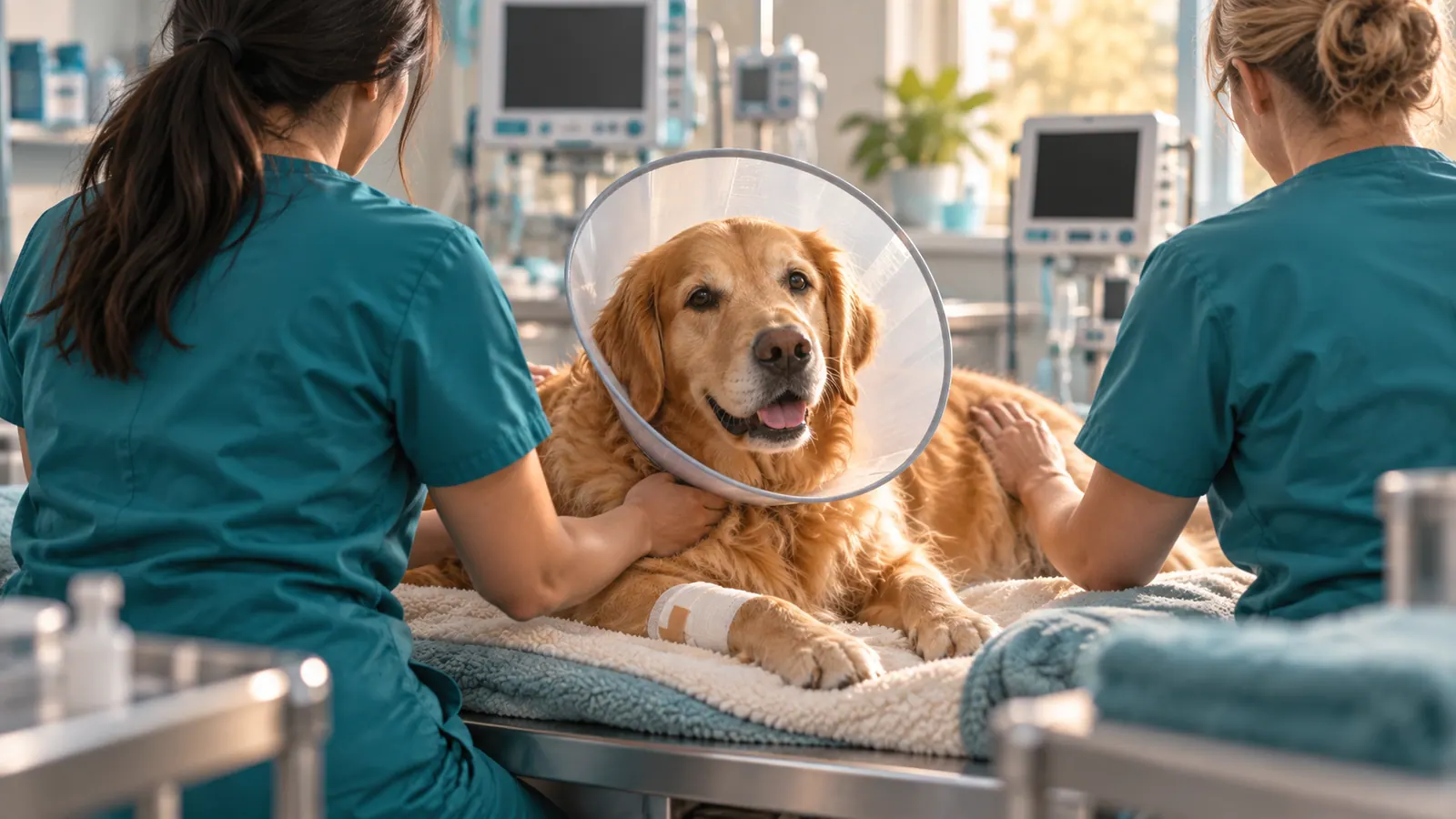
ER and specialty
Big invoices, at any hour.
Emergency visits bring the largest bills and the most anxious owners. The estimate is ready before surgery, and the claim is filed at checkout whether it is noon or 3 a.m.
- $4,860
- overnight surgery invoice, filed before the owner went home
- 2:14 a.m.
- claim filed at checkout on a Sunday
- 0
- insurer portals opened by the night team
Illustrative example. Not a measured result.
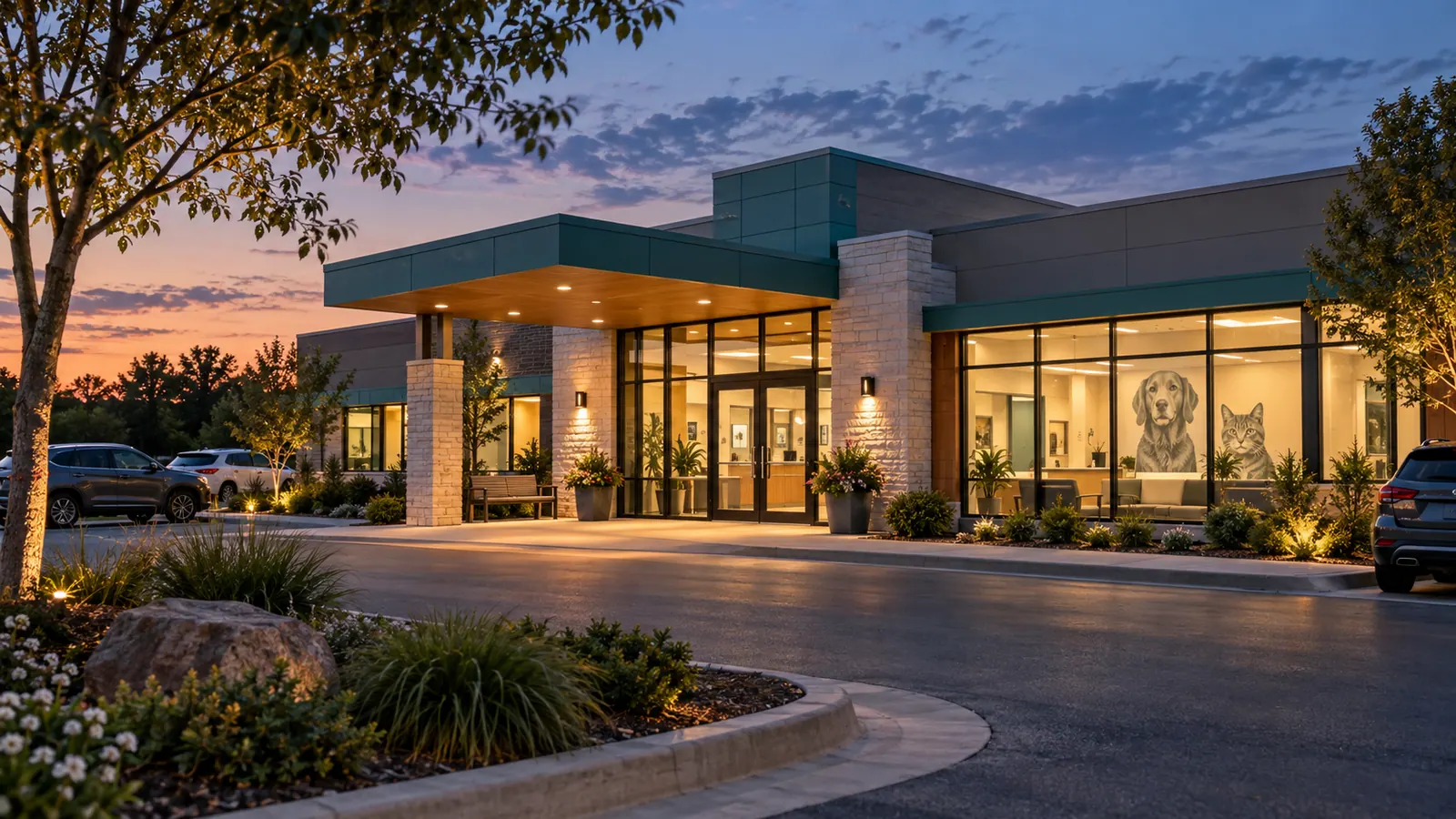
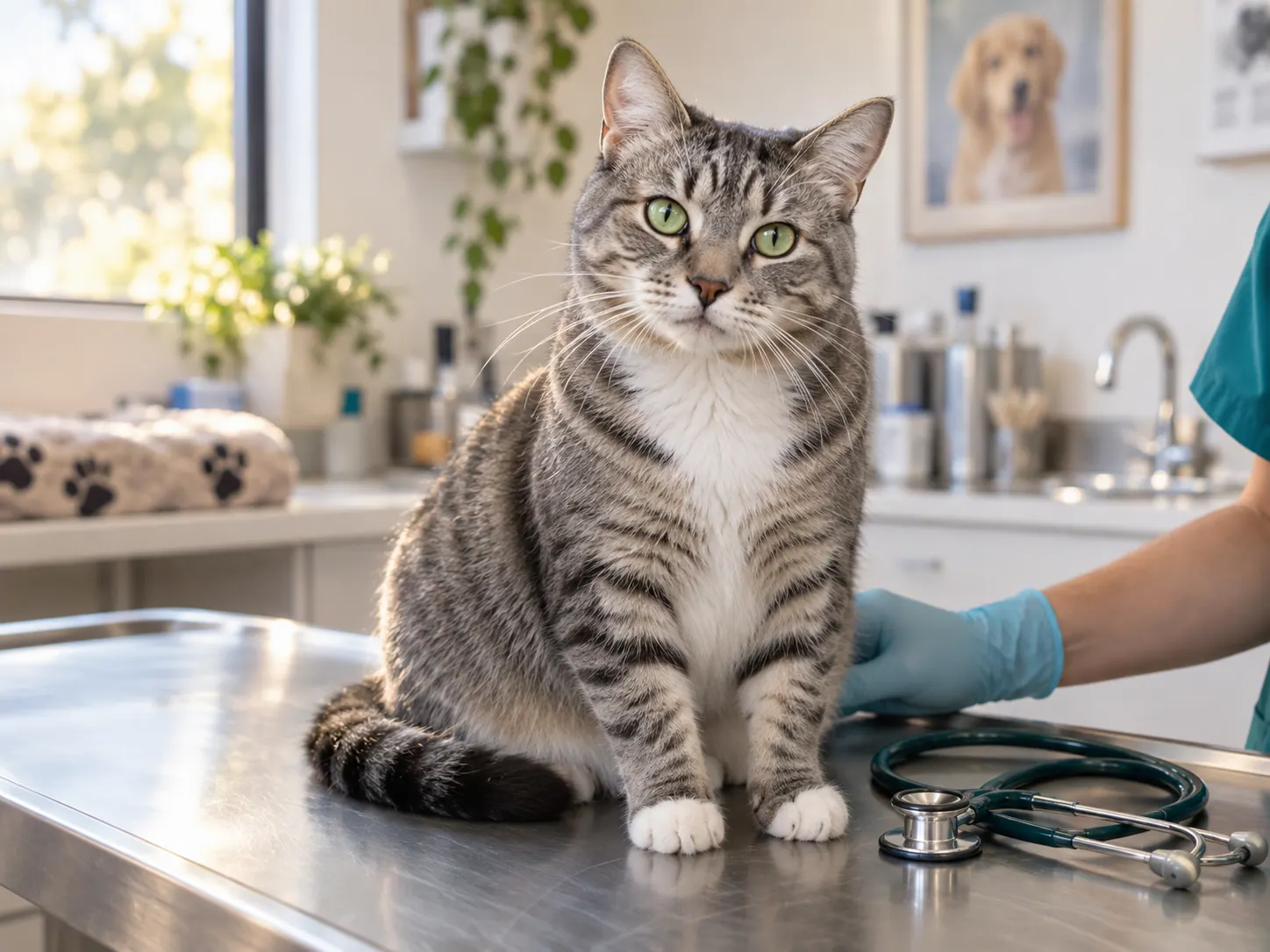

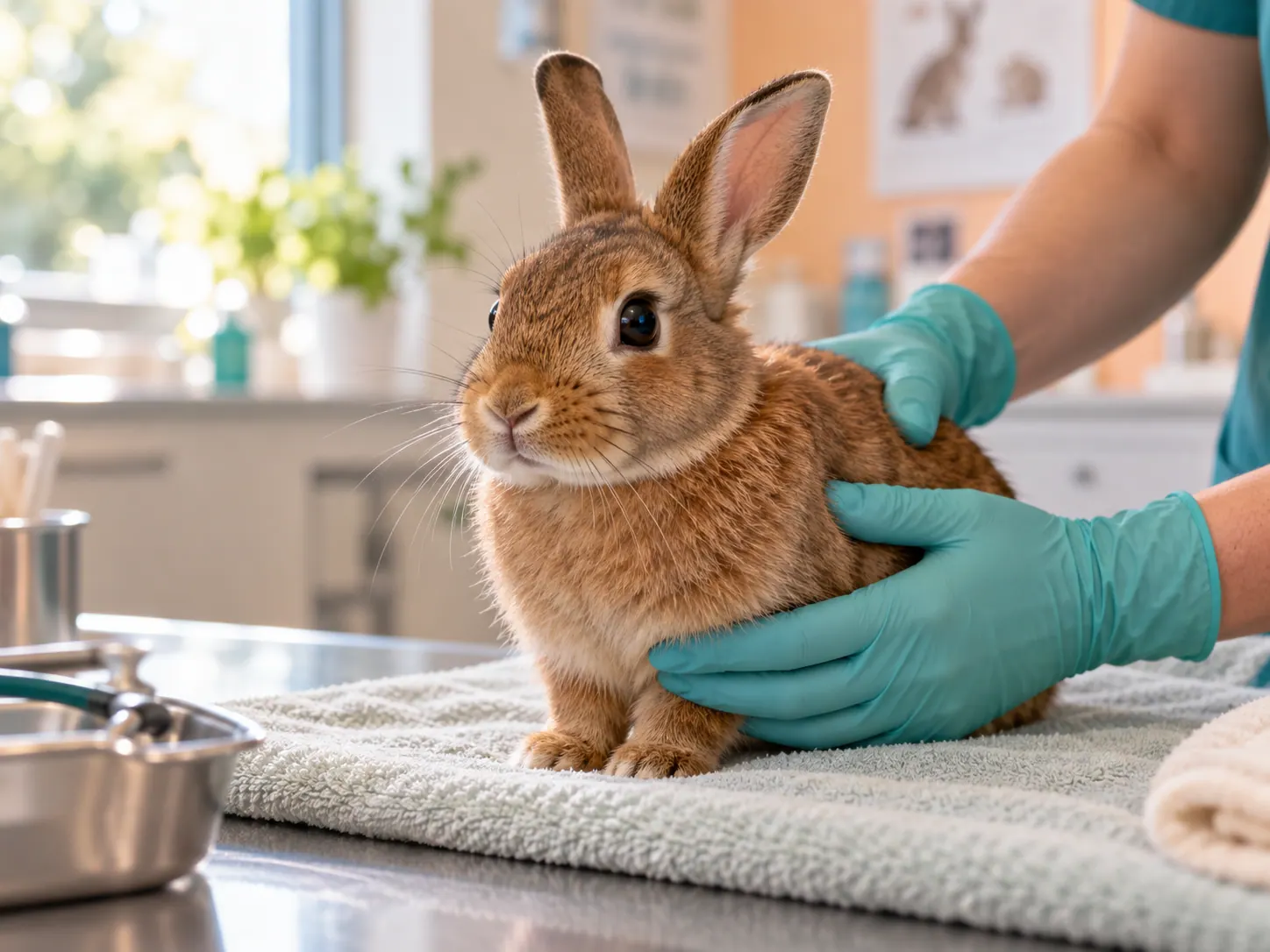
Every species
Dogs and cats, horses and rabbits.
If a policy covers the patient, Faunium files the claim. The same flow handles a cat's dental, a dog's cruciate repair and a colic workup in the barn.
- Dogs
- Cats
- Horses
- Exotics
Trust and security
Built to carry medical records and money.
Faunium Verified
Records come from your practice, so insurers can trust the claim as sent.
Encrypted
Records and claim data are encrypted in transit and at rest.
Owner consent
Every claim carries the owner's signed consent record.
Insurer firewall
One insurer never sees another insurer's claims.
FAQ
Questions from practices
What does Faunium cost a practice?
Faunium Practice is $99 per location per month ($199 for ER and specialty). It includes filing to any U.S. pet insurer, the records desk, claim status, estimates, automatic sync and reporting. Claims to insurers on Faunium are free. As more of your clients' insurers join, your bill goes down, and it reaches $0 once they cover most of your claims.
Does it work with our practice software?
Yes, with any practice software from day one. Staff can use Print to Faunium, forward documents to your clinic email address or work in Faunium. There is no IT project.
Which insurers can we file with?
Faunium files claims to every U.S. pet insurer that accepts them from the practice. The owner picks their insurer at the counter. Where the insurer accepts claims from the practice, Faunium files it directly. Where it does not, Faunium prepares the claim and the owner submits it in one tap.
Is Faunium an insurer?
No. Faunium is a claims network. It does not sell, underwrite or adjudicate insurance. Every coverage decision is made by the insurer.
Get started
Set up your practice.
Tell us about your practice and the software you use. We will get your team filing claims, and claims to insurers on Faunium are free.
Faunium Practice is $99 per location per month. Founding practices get free setup.